Build Elegant Forms 🎯 in Minutes, Not Hours⏳
Create, customize, and manage forms with ease. Collect responses, analyze data, and integrate with your favorite tools seamlessly.
Submissions, Analytics & Integrations 🌟
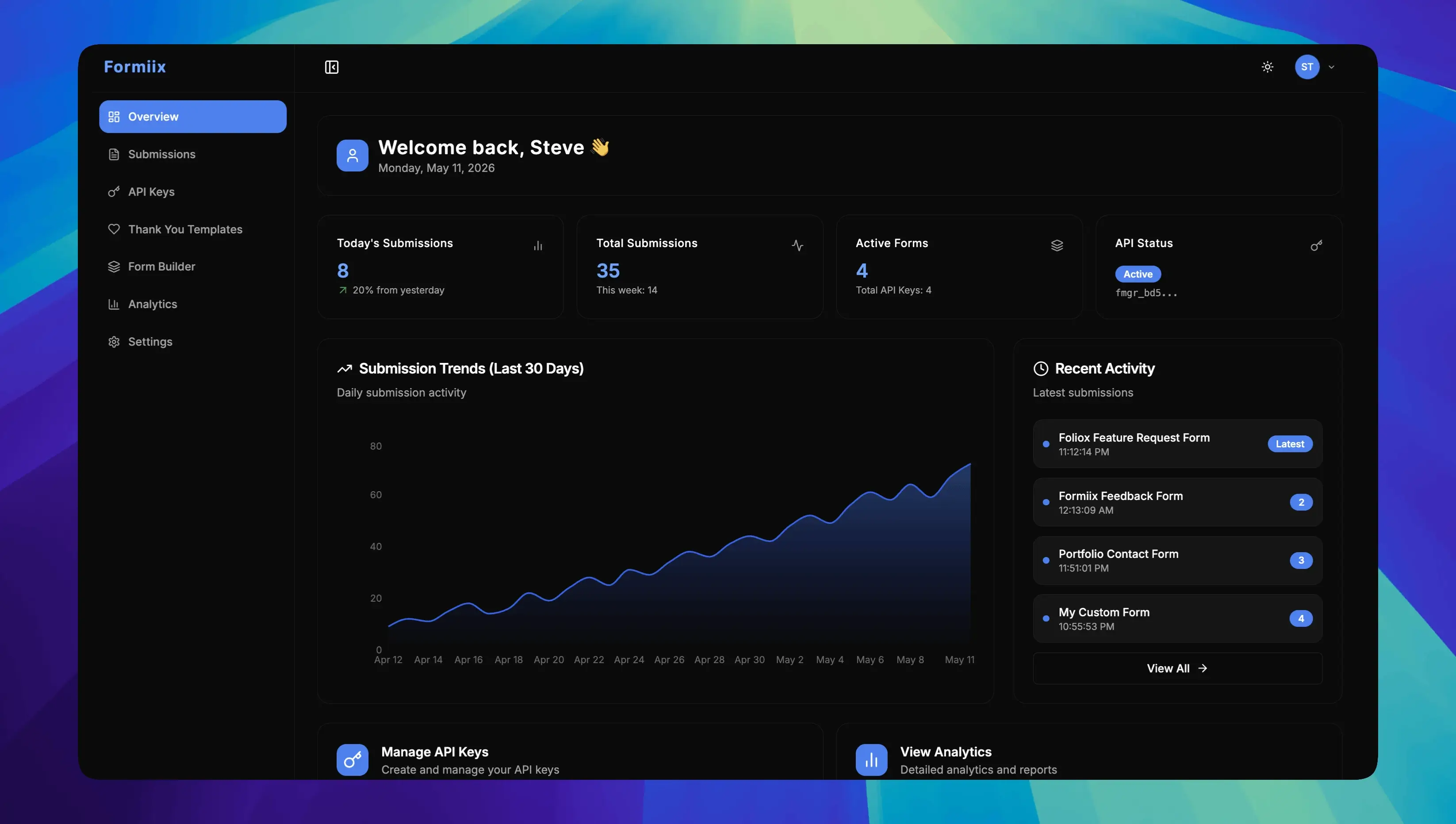
Everything you need to collect form submissions, review them in a dashboard, export JSON, and connect your own website through a REST API.
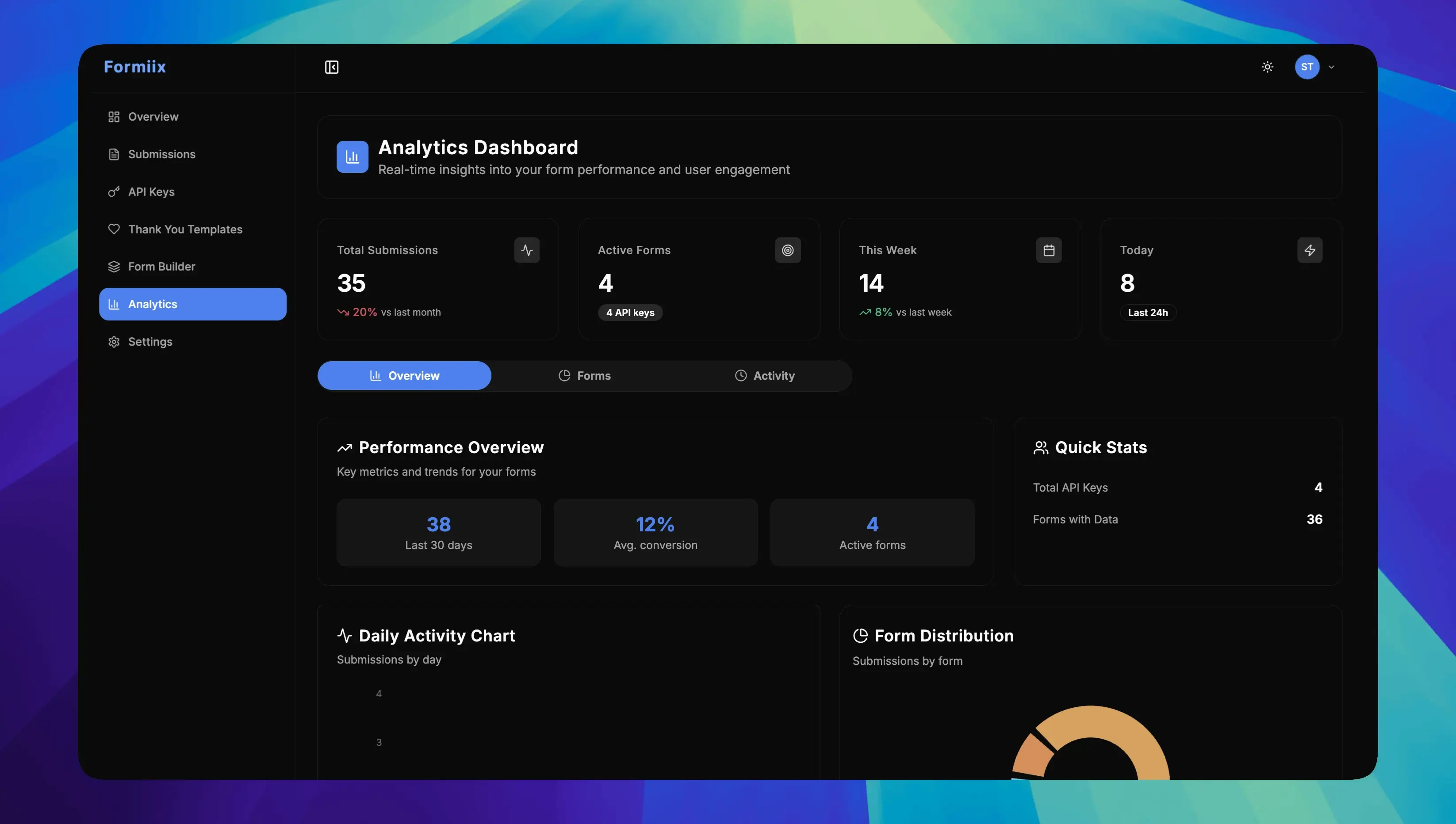
Form Analytics Dashboard
Track form submissions and activity trends in a dashboard so you can see how each form is performing.
Instant Form Validation
Use required fields and field validation so incomplete or invalid responses are caught before they are stored.
API keys and access control
Authenticate submissions with API keys and keep form access under your account so only authorized requests are stored.
Custom Post-Submit Redirects
Send users to targeted thank-you pages, onboarding flows, or checkout steps after submission to increase conversions.
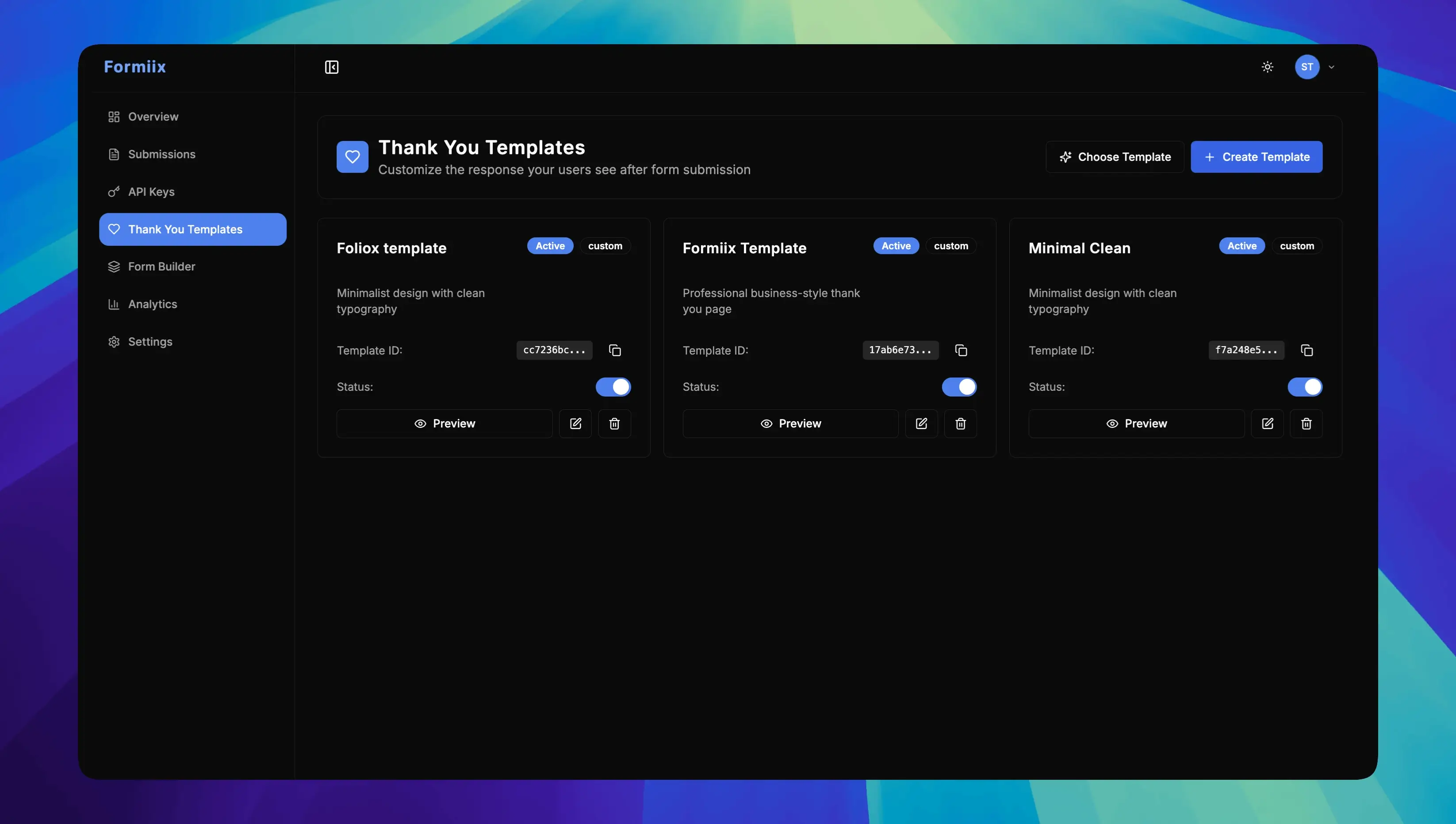
Thank You Page Templates
Launch branded thank-you pages with customizable templates that improve user experience and support conversion-focused campaigns.
Secure API Key Management
Generate and manage API keys in seconds to connect your form backend securely across websites, apps, and automation workflows.
Smart Form Management
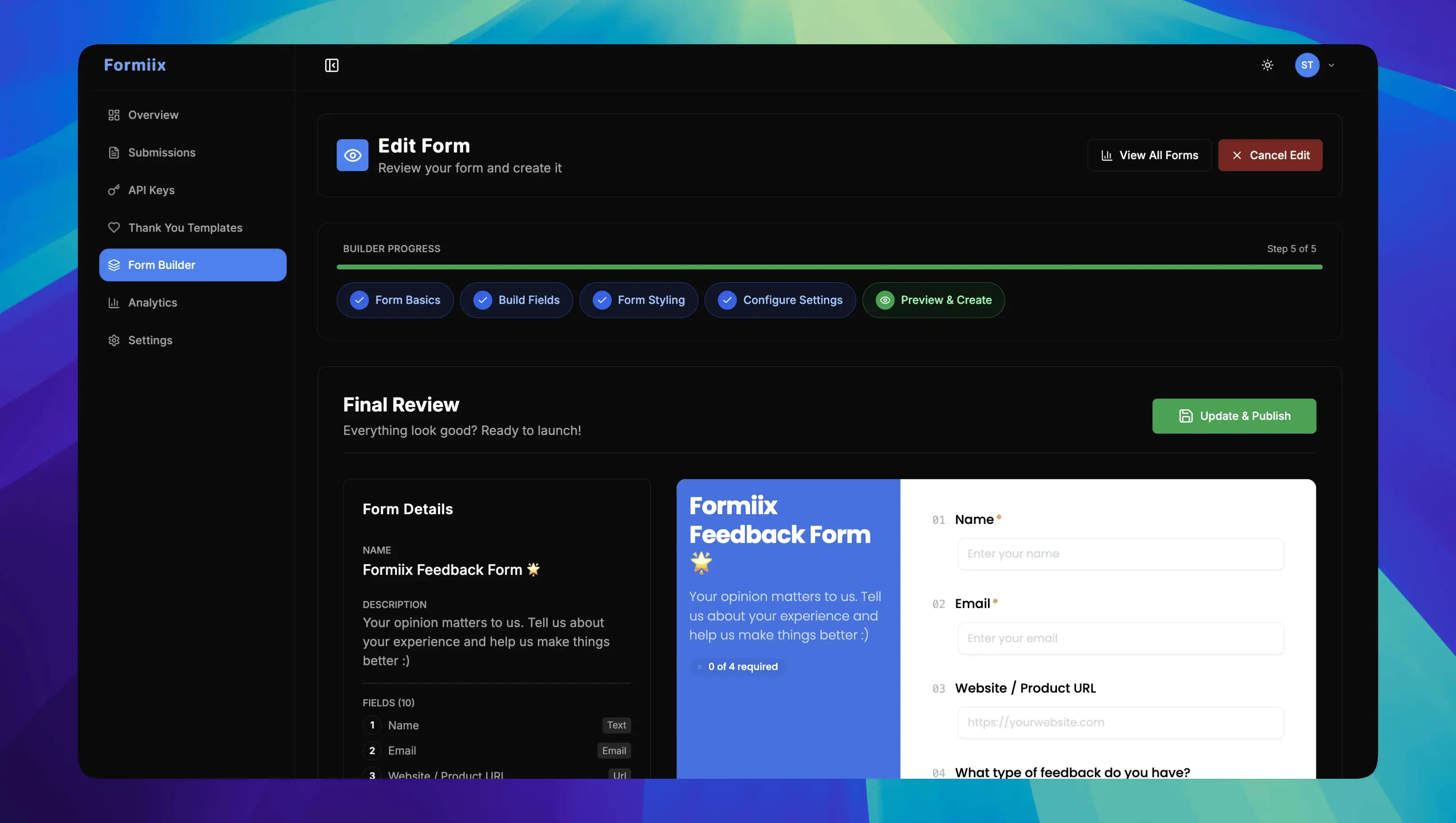
Create and organize forms in one workspace, edit fields, and manage submissions from a single dashboard.
Submission Data Export
Export form submission data to JSON instantly for reporting, CRM imports, and deeper performance analysis.
REST API integrations
Send submissions from HTML, React, Next.js, and other stacks to one submit endpoint using your API key.
How Formiix works: build, ship, and track forms in three steps
1. Setup
Grab your API key in one click and start collecting submissions in seconds with no complex configuration.
2. Build
Drop the endpoint into your app. Works with HTML, React, Vue, or anything else. No SDKs, no bloat, just paste and ship.
3. Analyze
Watch submissions roll in. Monitor activity in the dashboard, then export submissions as JSON whenever you need a copy.
Formiix API & code snippets: HTML, React, Next.js & more
Your forms deserve a modern backend. Plug Formiix into HTML, React, Next.js, or Node in minutes with one endpoint and clean payload handling.
const API_KEY = "YOUR_FORMIIX_API_KEY";
const url = `https://formiix.site/api/submit?key=${API_KEY}`;
const data = { name, email };

await fetch(url, {
  method: "POST",
  headers: {
    "Content-Type": "application/json",
    "x-api-key": API_KEY,
  },
  body: JSON.stringify(data),
});
Why Teams Choose Formiix Form Builder
From no-code form creation to secure APIs and conversion analytics, everything is built to help you collect more leads and move faster.
No-Code Form Builder
Create high-converting forms with a no-code drag-and-drop form builder designed for marketers, founders, and product teams.
Real-Time Form Analytics
Monitor submissions, conversion funnels, and response quality with live analytics that help you optimize every campaign.
Account and API security
Sign in to a private dashboard, authenticate submissions with API keys, and serve the product over HTTPS.
Complete Customization
Match every form and thank-you page to your brand with custom themes, polished styling, and a seamless website experience.
Forms and submissions in one place
Create forms, review responses, and export JSON from a single workspace as your volume grows.
Developer-Friendly APIs
Ship faster with a documented REST submit API and copy-paste examples for HTML, React, Next.js, and other common stacks.